The confusion of WordPress.com vs WordPress.org is always there.
If you are just starting out to explore WordPress, often this will be the question that pops up. That’s the reason you landed on this blog post that we are going to show you what’s the difference between this two.
Before we take a closer look between the difference of WordPress.com vs WordPress.org, let’s go through some history of WordPress.
WordPress – What it is and the history about it
WordPress was started as a blogging software back to the year 2003 and it rises to become one of the famous Content Management System (CMS) powering more than 31% of the Internet websites today. The platform now has more than 55K of plugins and tonnes of free themes which can be downloaded and activated easily.
The history of WordPress has undergone tremendous changes with the line up of Gutenberg editor coming for the release with WordPress 5.0.
So the end of the history of WordPress, now let’s move on to look into the difference between WordPress.com vs WordPress.org.
WordPress.com vs WordPress.org
Both are referencing totally different websites. While most brand would own the same domain by ending with the different extension, it’s not for this case.
The one noteworthy difference amongst WordPress.com and WordPress.org is who’s really hosting your WordPress blog website.
With WordPress.org, you have your own particular blog or website. WordPress.org is the place you’ll download the free WordPress installation and upload to your own web hosting server.
WordPress.com (owned by Automattic – that also runs Jetpack, WooCommerce, and the .blog domain extensions), on the other side, take cares of all this for you. You don’t need to download the WordPress installation and perform any upload of the files to your own preferred WordPress Hosting provider servers.
Pros and Cons of WordPress.com vs WordPress.org
WordPress.org
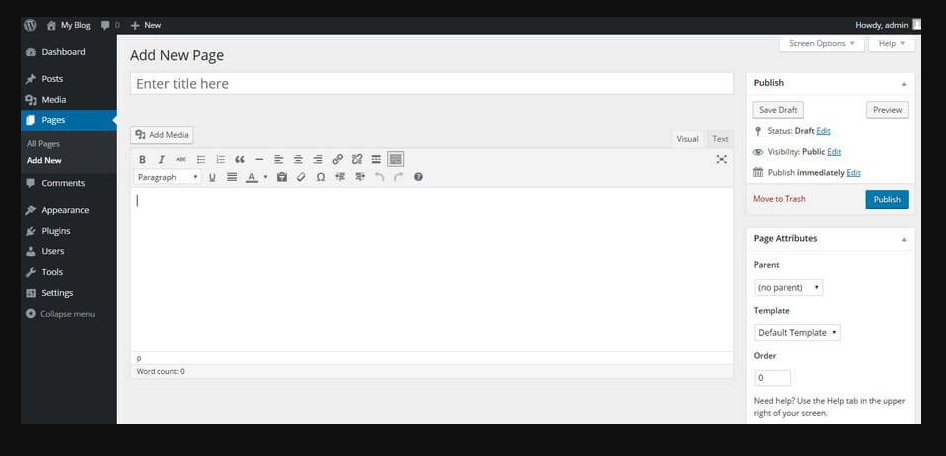
WordPress.org, which is also known as “the original of WordPress”, is an open source piece of software and 100% free for anybody to download and use it. All you require is your own domain name and find a WordPress hosting provider to host your WordPress website. This is also the reason sometimes is being referred to as self-hosted WordPress.
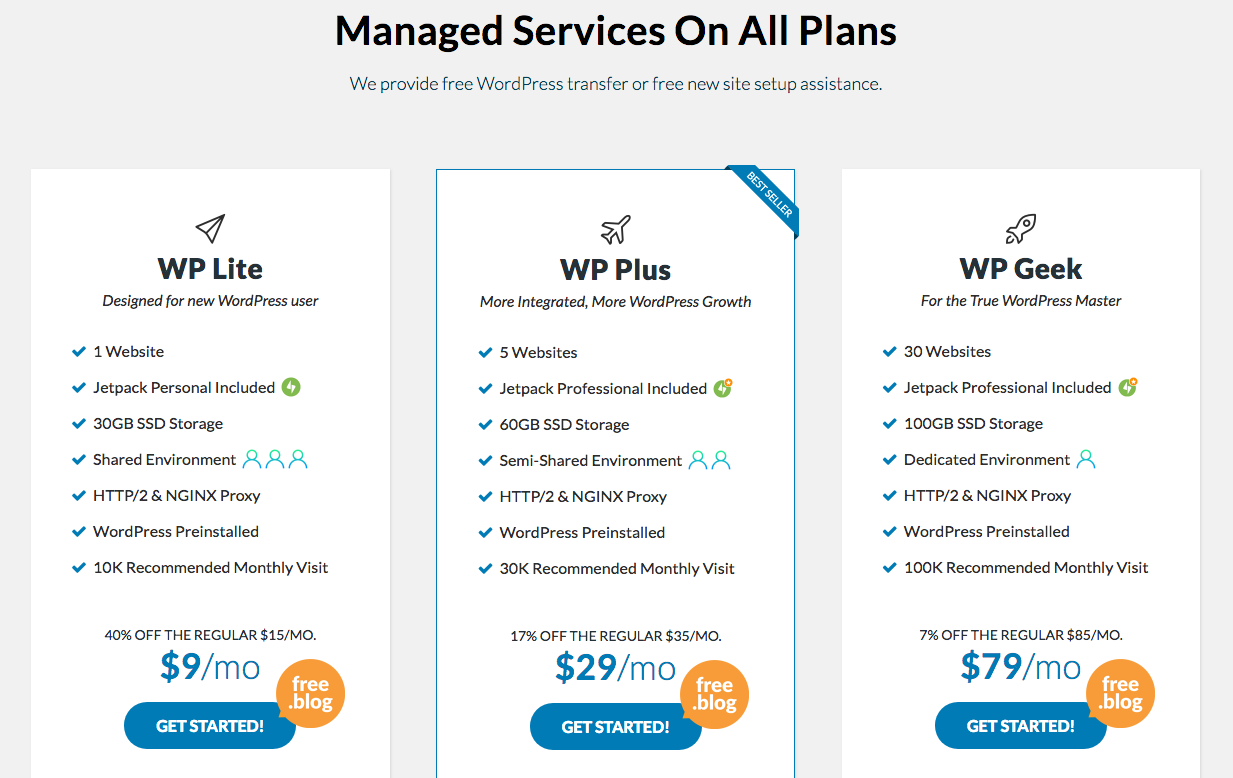
WPWebHost offer the Fully Managed WordPress Hosting that gives you all the WordPress toolkits to build, secure and run your professional site. Your WordPress installation is ready with Jetpack activated at the time you completed your order. If you are starting out new as a blogger, you get free lifetime .blog domain included for all the annual subscription.
 Here’s are some pros and cons of using the self-hosted WordPress to build your website or personal blog:
The benefits of WordPress.org:
Using the download version of WordPress files from WordPress.org gives you the full control and flexibility. You can apply any customization and changes as much as you need.
- It’s Free and easy to use. That’s why it dominates 31% of the Internet websites.
- You have the full customization you need – including adding any plugins, themes, and customizations that you need. That’s total of 55K+ of plugins available from the WordPress plugin marketplace.
- You can set up custom analytics on your WordPress websites such as Google Analytics for better tracking and analytics.
- You will be able to monetize your WordPress websites either by installing some ads plugins, Google Adsense, as affiliate website ..etc
- You will be able to build an online course through some memberships plugins/themes or potentially turn your WordPress to digital stores to sell any products and accept payments online.
- You own the content of your WordPress website (as long as it does not trigger any illegal rules that against your web host).
- Basic email services are included on your WordPress hosting. You can use your WordPress domain as your brand voice communication.
The downside of WordPress.org:
- You need to pay for it. Typically a WordPress hosting that ranges from $5-$10/mo that would cater to your initial usage and scale as your websites attract more and more visitors. Aside from that, you also need a domain name such as matt.blog, mytravel.blog domain. WPWebHost offers the lifetime domains FREE for you when you sign up and renew the hosting annually.
- You are responsible for the maintenance of your websites. Nevertheless, the majority of any Managed WordPress Hosting providers will have the tools that allow you to configure the auto updates or a one-click button that simplify the task for you.
- Because WordPress.org installation is Free, the codes are open source and their flaws in the code which needs to be patch when major bugs are found. To protect your WordPress website, you need to manage the Security and Backup of your WordPress websites. Look for a WordPress hosting provider that gives you fully managed solution as they will take care this 2 important task for you. Otherwise, you will need to get some 3rd plugin or subscribe 3rd party solution to backup and protect your WordPress (that involve additional cost) which becomes very infeasible.
If you’re not interested in paying for your own hosting, managing your own web server or paying someone else to handle that for you, you’ll probably want to use WordPress.com. It’s free and easy to set up and you have lots of options for customizing your site.
WordPress.com
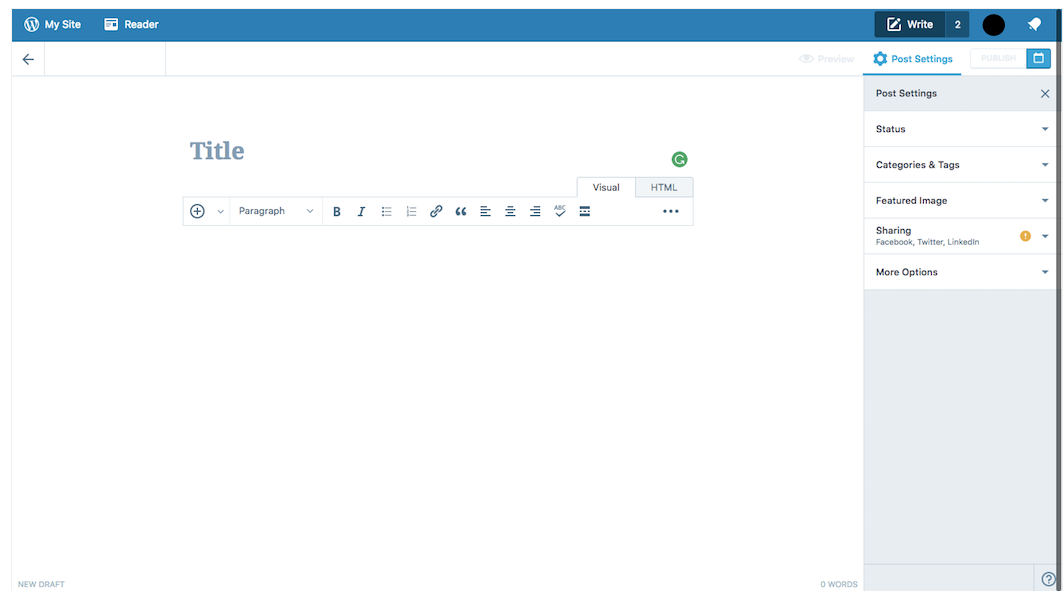
WordPress.com runs the full WordPress installation files as we get it from WordPress.org.
WordPress.com doesn’t require much from its clients. When you’re prepared to begin, all you require is:
- The knowledge and ability to learn WordPress.com and its built-in dashboard interface.
- To stand with the limited themes and features available.
The benefits of WordPress.com:
- It’s Free (but you don’t get to use your domain name)
- It’s hosted and managed by WordPress.com – in other words, you do not need to run any upload of the WordPress installation files.
The downside of WordPress.com:
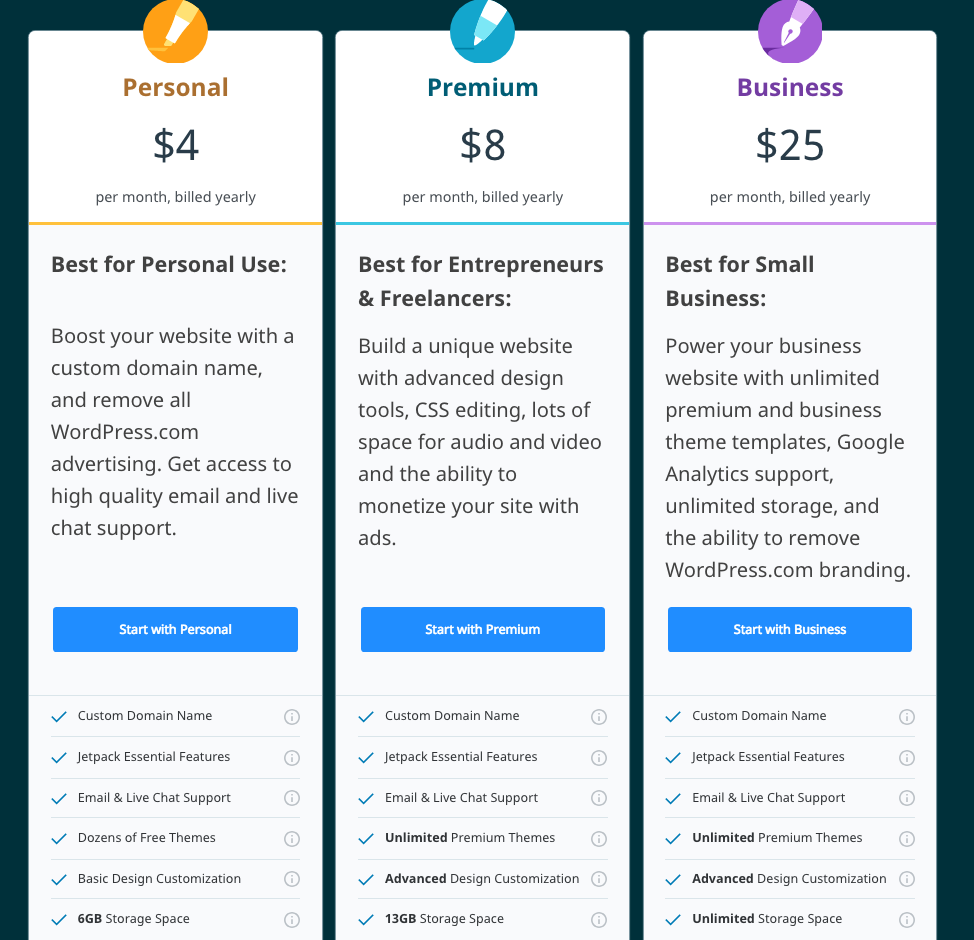
- Though It’s free the limitation is of to 3GB of disk space for you to host your content. If your blog or website is going to host a large volume of photos, you will need to upgrade to the paid plan for larger storage space.
- On the free plan, your domain will be set up as a subdomain on top of their primary domain, example myblog.wordpress.com. A paid plan allows you to have your own domain (additional fees for the domain registrations).
- Your WordPress website is tight to the limited of 100+ free themes to choose vs 1500+ of themes from the self-hosted WordPress.org.
- You can’t upload custom themes under the Free plan. Only Premium and Business plan users can choose the premium themes with customization of custom CSS.
- You are not allowed to install any custom 3rd party plugins. You lose the ability to leverage the 55K+ plugins that will help to empower your website.
- Your WordPress website will get enormous ads which you can’t control. Your visitors will see the ads as they browse your website and you don’t any money from it.
- You can’t run ads on your WordPress website except that you are on a high traffic site that you can ride on their WordAds advertising program with a revenue share with them.
- No analytics integration supported by Google Analytics. You are bound to their limited stats and tracking.
- A powered-by WordPress.com link on your footer for at your WordPress website on the FREE plan. Upgrade to their commercial plan to remove this label.
- No e-commerce features and integration of any shopping cart with payment acceptance online for your WordPress website. You can’t build any memberships website as well.
- If you violate any of their terms of services, they reserve the rights to delete your website at any time. You don’t have full control of your content.
- They will take care of the backup.
Wrapping Up
So there you have it: a bare-knuckle brawl between the two WordPress platforms. If you are serious about blogging and running your website using WordPress as the platform, you should always consider going for the self-hosted options. Building your brand on your own domain is always the best options to go with instead on of someone’s domain.
But if you are looking for a basic blog with very limited customization possibility – then WordPress.com is the solution for you. You will, however, be loosing out to not be able to use your blog domain as your communication email brand. There are still ways for you to switch from WordPress.com to self-hosted options but that would involve some migration and certain disruption as you outgrowth your blog potential.
WPWebHost offers the Fully Managed WordPress hosting that takes care of all of the downsides of the Free plan of WordPress.com. When you are on our annual plan, you get a lifetime .BLOG domain with the famous Jetpack Professional plugin bundled for FREE. Check out our benefits and features of our Managed WordPress Hosting.